Calendar Widget - O365-Ical
Ical URL Link Office365
Section titled “Ical URL Link Office365”This description takes you thru the steps needed to share your personal calendar as an Ical link to be used in LoopSign Calendar Widget.
The possibility to use a shared Ical URL is very useful if you want to show events from personal calendars.
It gives you a lot of possibilities to share events on your LoopSign screens.
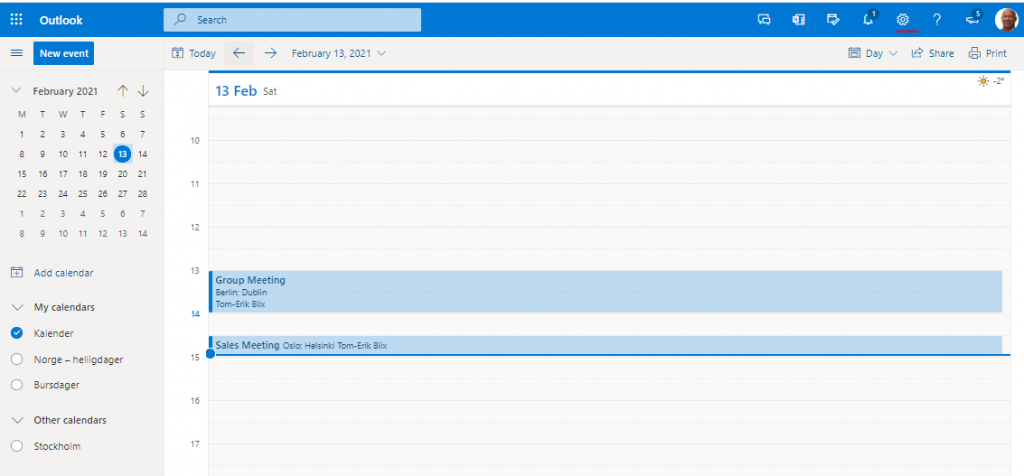
- Log into your Outlook Online account
https://outlook.office.com/ - Select your calendar and then select “Settings” in the top menu.
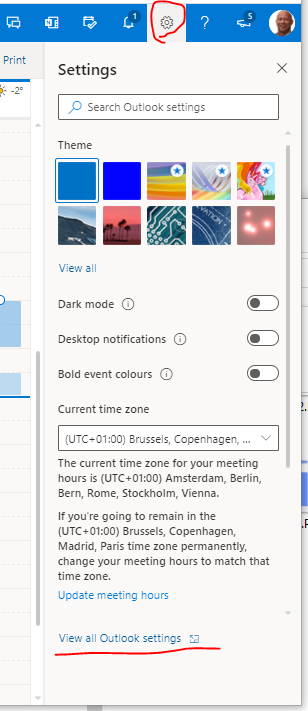
- Select the menu item in the bottom
” View all Outlook settings”
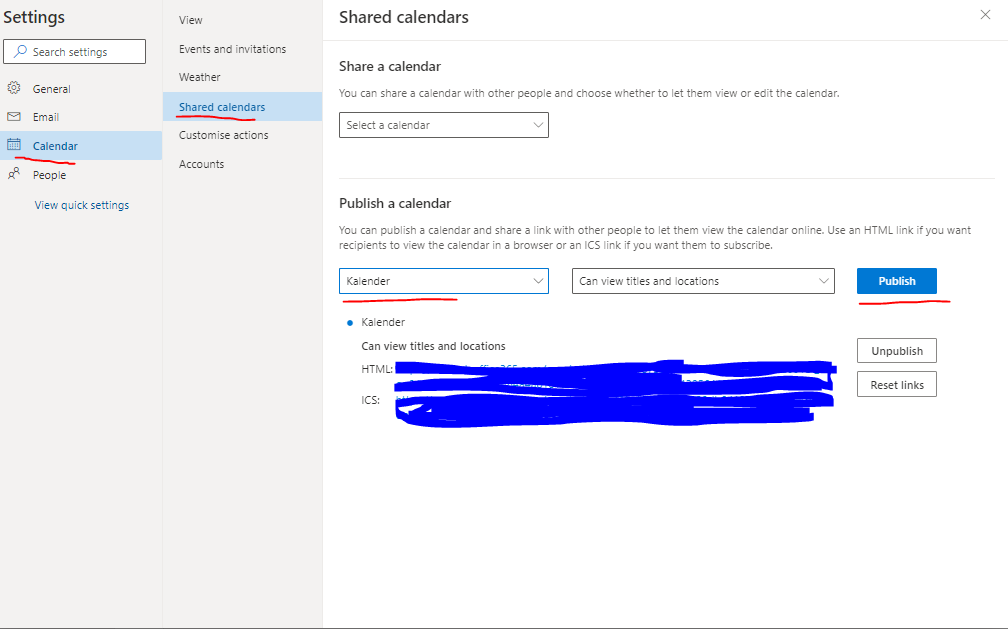
- Select your calendar
- Select publish
- Copy the “link” to the ICS file
The Ics link is the one you can use in LoopSign Calendar Widget.